Import the Spreadsheet You Already Have
A hotel list is never prepared for an import; it is simply what the daily work left behind.
Hotel imports on the Products and Catalogues pages now take files up to 100 MB instead of 10 MB, accept tables pasted straight from Excel or written with pipes, and recognise column names that carry bracketed notes. Large additions to a catalogue go in batches, and the preview is paged.
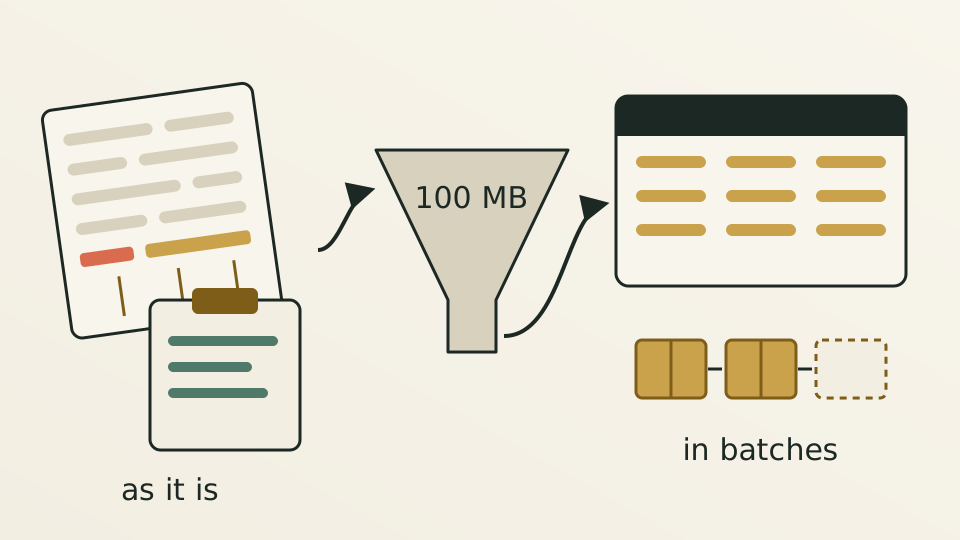
A customer’s hotel list usually looks like this: hotel names in the first column, then country and province, then each supplier’s own hotel ID, under a header that says something like “platform ID (if any).” It may be a spreadsheet of several dozen megabytes, or a block copied out of Excel and pasted into a chat window.
The import tools used to accept files of up to 10 MB. Content pasted from Excel arrived wrapped in web formatting, tables written with pipes were not recognised, and a bracketed note in a header was enough to break the field match. Customers had to reshape their sheet into what the tool expected first, which is the step most likely to go wrong and most likely to make people give up.
The size limit is 100 MB.Content copied from Excel or WPS is rebuilt cell by cell, pipe tables are parsed, and ordinary comma- and tab-separated text works as before. Bracketed notes in column names are ignored, so hotel name, platform ID and several suppliers’ ID columns map automatically. To avoid misreading, a paste is treated as a pipe table only when most of its lines carry pipes, so a stray pipe inside an ordinary cell changes nothing.
Bigger files need the second half to keep up. When hotels are added to a catalogue, their IDs go in sequential batches of ten thousand, staying under the gateway’s request size limit, and a failed batch can be retried safely. The preview shows a hundred rows per page, and removing a row on any page removes the right one. Rows with missing or malformed IDs are flagged one by one in the preview instead of failing the whole import at the last step.