Pay in One Currency, Glance in Another
A small “≈” next to the price helps people get a feel for the number. It never takes the money.
In the customer portal, customers see the exact price in the transaction currency they actually pay. To think in another currency, they can switch on an approximate reference converted from the daily exchange-rate table. Transaction currencies come only from those the seller opened, are set by the seller, and are checked from search to booking.
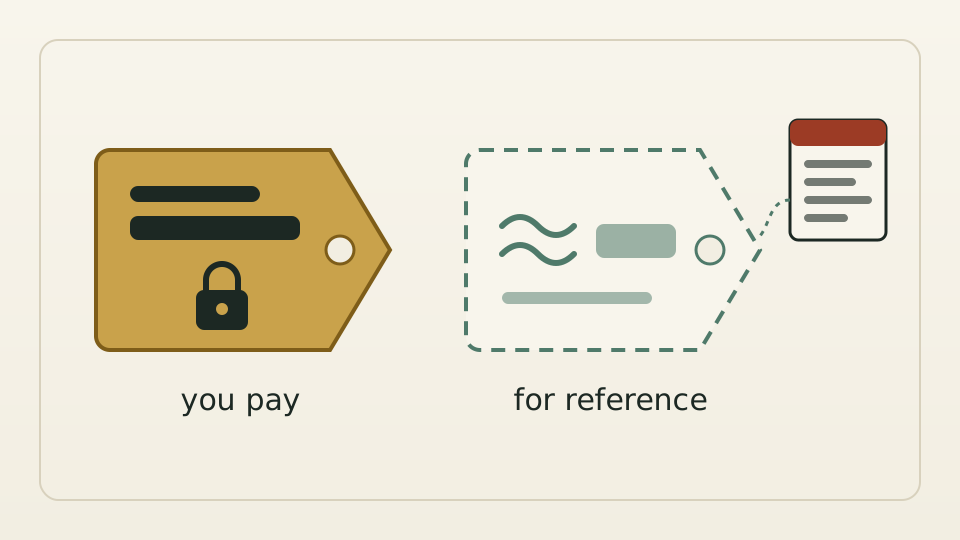
A travel agency’s sales team likes to budget in Chinese yuan, while it settles with its seller in US dollars. The customer portal used to show every price on two fixed lines: one in the transaction currency, one in the seller’s own business currency. The second line meant nothing to the customer, and the currency they actually wanted to estimate in was not there.
It helps to separate two questions: how much do I pay, and roughly what is that in my terms? The first must be exact and in a currency the seller is willing to accept. The second only needs to be approximately right, in whatever currency the reader likes. Merge them, and either customers never see the currency they want, or any currency becomes payable and exchange-rate risk lands quietly on the seller.
Transaction currencies can only come from those the seller opened for that customer; only the seller can set them, and each change goes to the audit log with old and new values. Search, price checks, availability checks, booking and payment links each verify the currency is open. The display currency is the customer’s free pick in the header, off by default, converted in the browser from the daily rate table into an “≈” reference that shows the rate date and is never sent to the server or used for sorting, filtering or validation.
The checks start in observe mode by default: count and log, block nothing, see which customers would be affected, then switch the portal and the API to enforcement separately. A blocked request lists the currencies that are available. The seller’s business currency no longer appears as a second price line for customers; it stays in the seller’s own books.