Do Not Show an Entry That Cannot Work
A door that turns out to be locked disappoints more than no door at all.
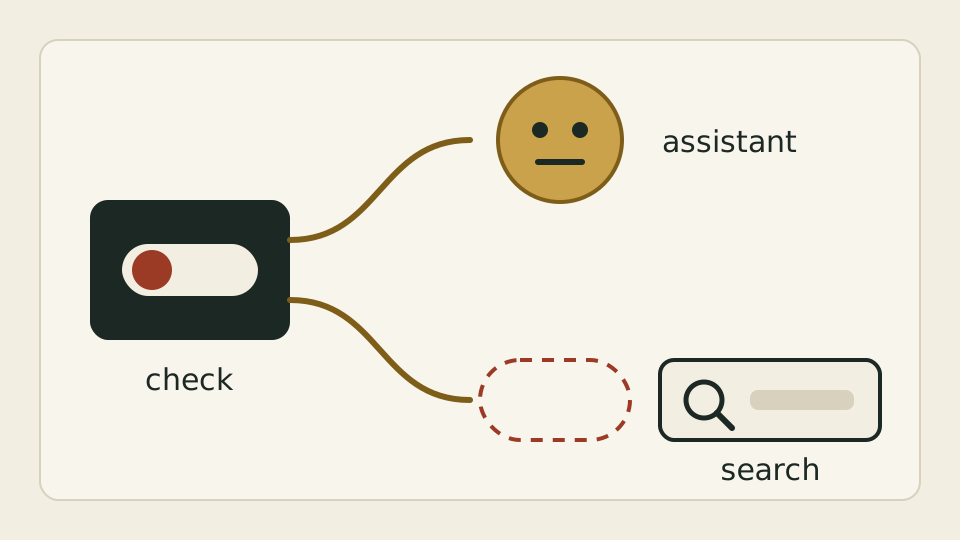
The portal’s home and city pages now also say whether the booking assistant can serve right now. The answer comes from the same check the assistant runs before taking a request, without asking the assistant anything extra; when the answer is no, the portal hides the assistant entry and manual search stays available.
Next to the portal’s search box sits an entry to a booking assistant that helps you find hotels through conversation. But if something the assistant depends on is not in place, a user who clicks in gets only a message that the assistant is unavailable. The entry is there, but it does not work.
“Available” cannot be judged by a different rule from the one the assistant uses. If the entry follows a switch fixed before release while the assistant looks at how things stand right now, the two drift apart: an entry that shows but fails, or one that works but stays hidden. Asking the assistant every time the home page opens would make the page wait.
The assistant’s own pre-request check was pulled out to stand on its own: does it have everything it needs. The assistant uses it when a request arrives, and the home and city pages use it while preparing their data, sending the portal a yes or a no every time, the no included. The check looks only at what the assistant already has and does not go online to ask; if the assistant is not connected at all, the answer is no.
The portal hides the entry only when it receives an explicit no. Older data without that answer keeps the entry visible, so updates arriving in a different order cannot hide it by mistake. The answer only says the assistant has everything it needs; it does not promise that every conversation will succeed. Manual search is always there.