A Save Changes Only What You Touched
You changed one field, and the system copied the whole page back on your behalf.
The price comparison settings popup now submits only the three settings it shows. Backend saves write only the fields that changed, and refuse with a refresh prompt when someone else changed the same field after it was read. Credit limit changes commit the customer’s limit setting, wallet and ledger together or not at all.
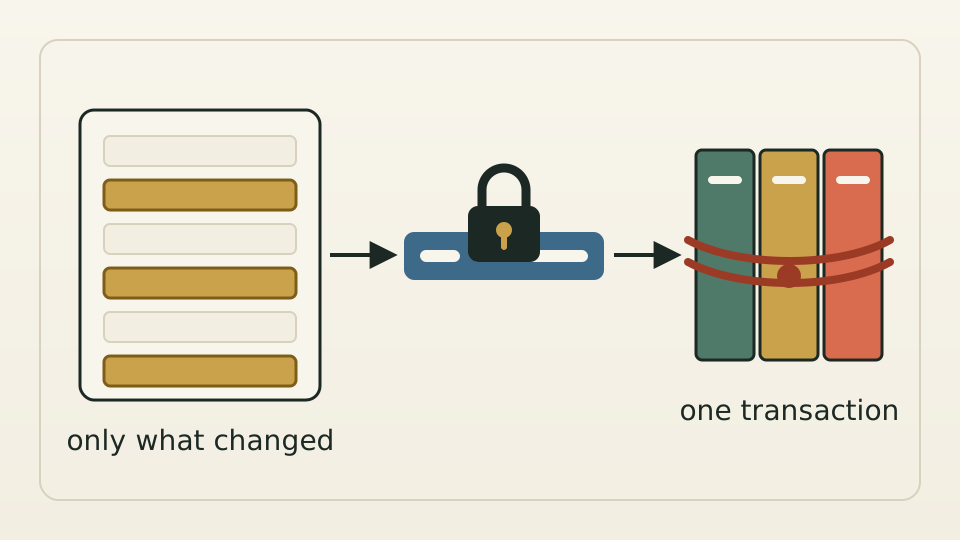
The most common way to save a settings page is to send back the whole record you loaded, with your edits applied. That works until two people, or a person and a background job, edit the same record at once. You change a timeout, and along the way you overwrite the currency someone just added, or contract details a sync just wrote, with values you read minutes ago.
We started at the interface. The “Edit price comparison settings” popup on a supplier connection owns exactly three things: the supplier search currency, the maximum queries per second and the request timeout. Saving sends only those, and no longer resends allowed currencies and other values owned by other editors. Queries per second and timeout must be numbers above zero; an empty field is a missing setting, not “unlimited.”
Each writer writes only the field it owns. Edits made in the portal add one step: when a save starts, it locks the record and compares every field it is about to write with the value it first read. If any of them changed, the save is refused with a refresh-and-retry message; changes to other fields go through as usual. We chose refusal over automatic re-merging, which would pull permission checks into the save and hold locks longer, for a conflict window measured in milliseconds.
The rule matters most where money is involved. When a customer’s credit limit changes, the limit setting on the customer’s record, the wallet and the ledger entries are written in one save, and if any step fails, all three roll back. During an ordinary limit adjustment, if the ledger entry cannot be written, the whole change does not go through. The wallet cache is refreshed only after all three are written.